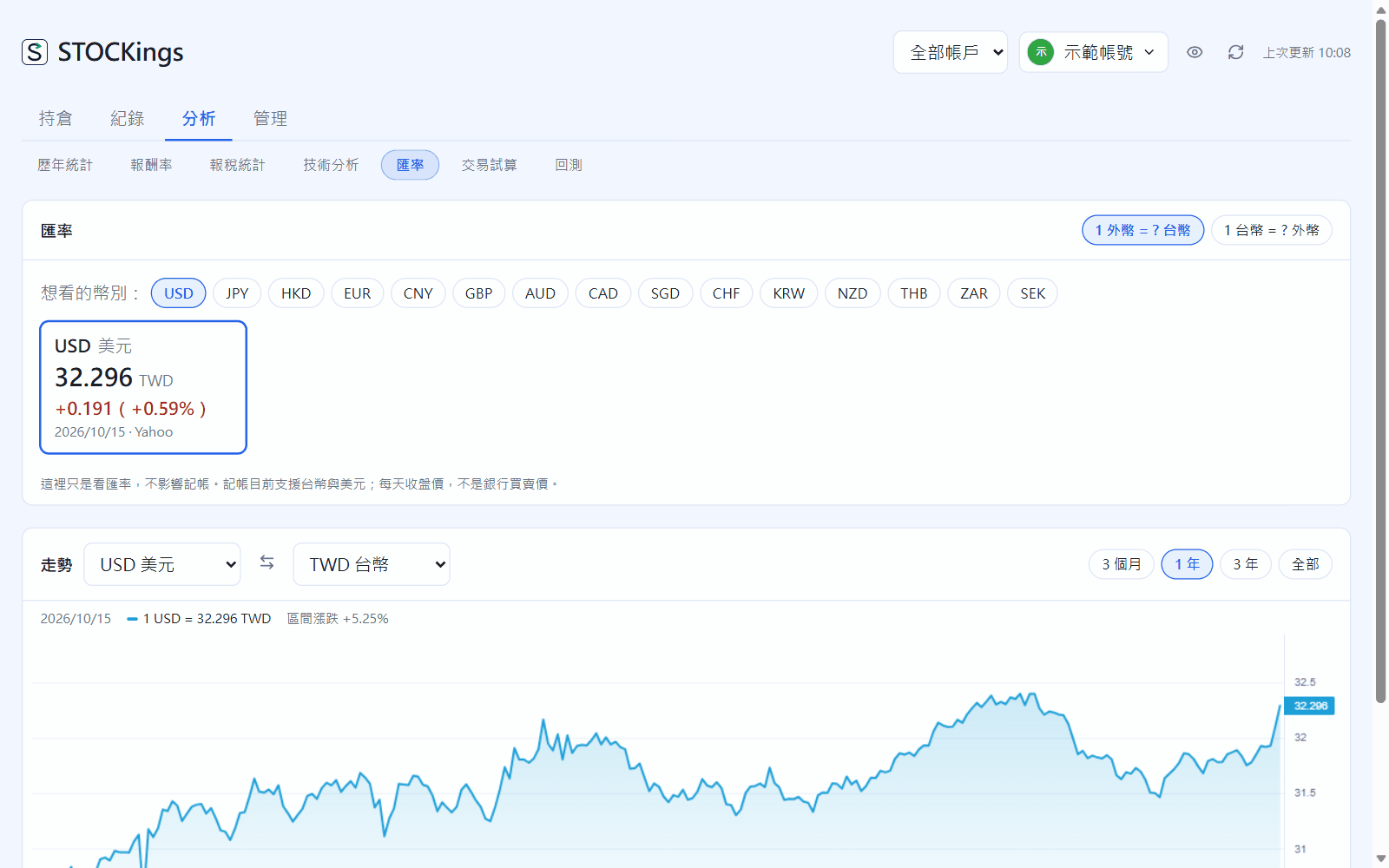
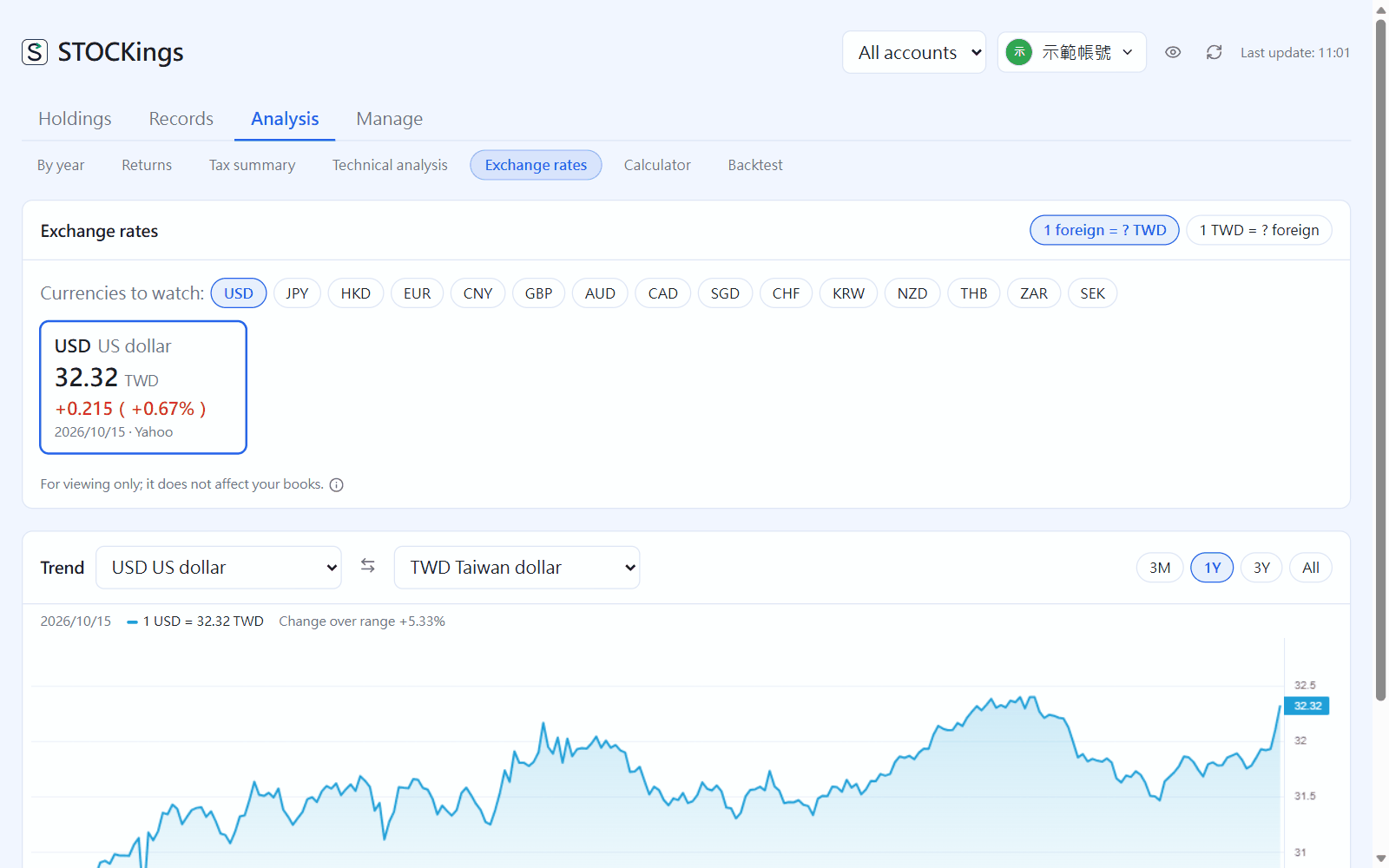
Market → Exchange rates: tick the currencies you want (15 available). Each card shows how much TWD one unit of that currency buys, and its change. Click a card for its trend; the trend chart can switch to any pair of currencies. This page is for viewing only and does not affect your records.
Market → Exchange rates
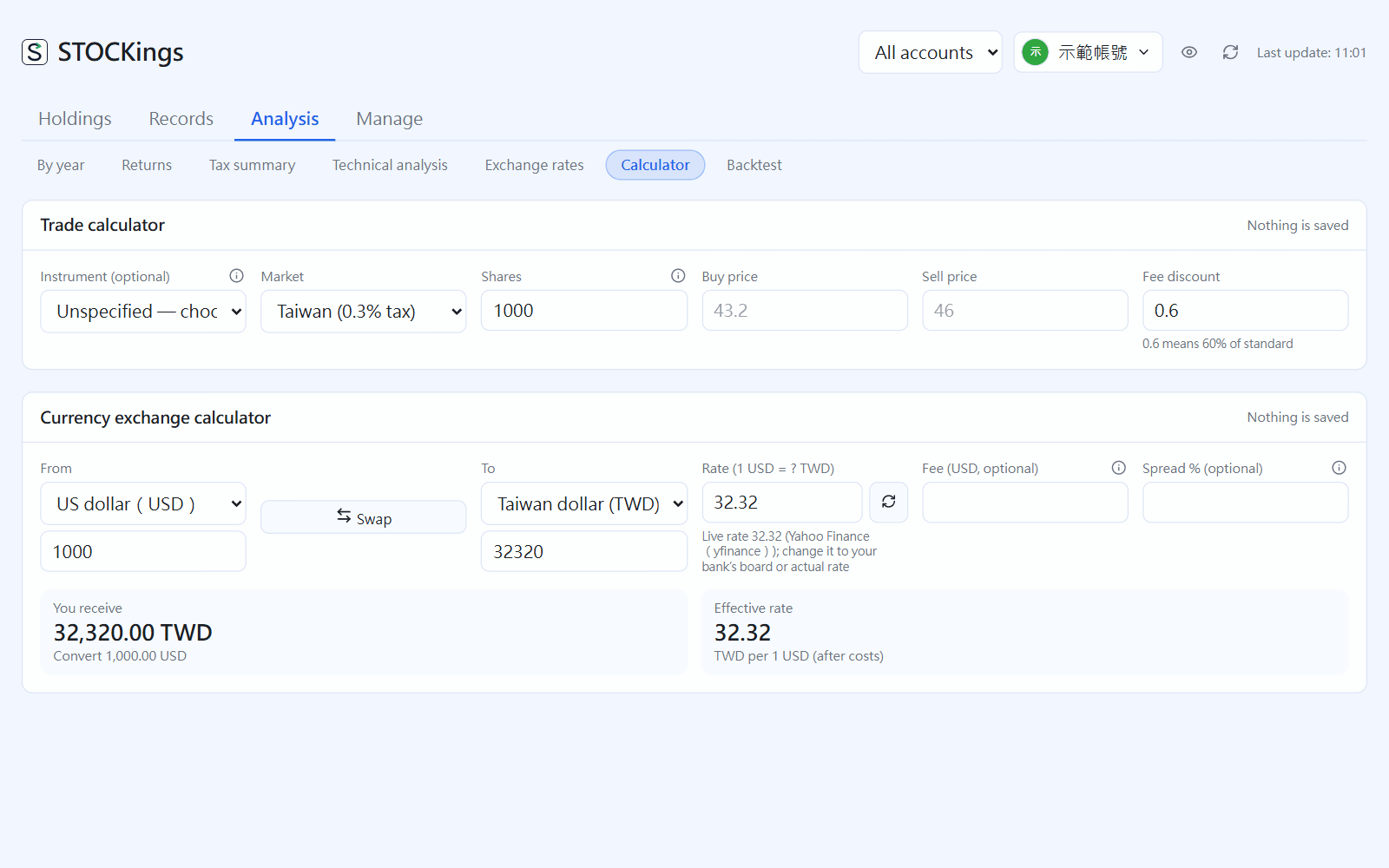
Trade calculator and currency exchange calculator
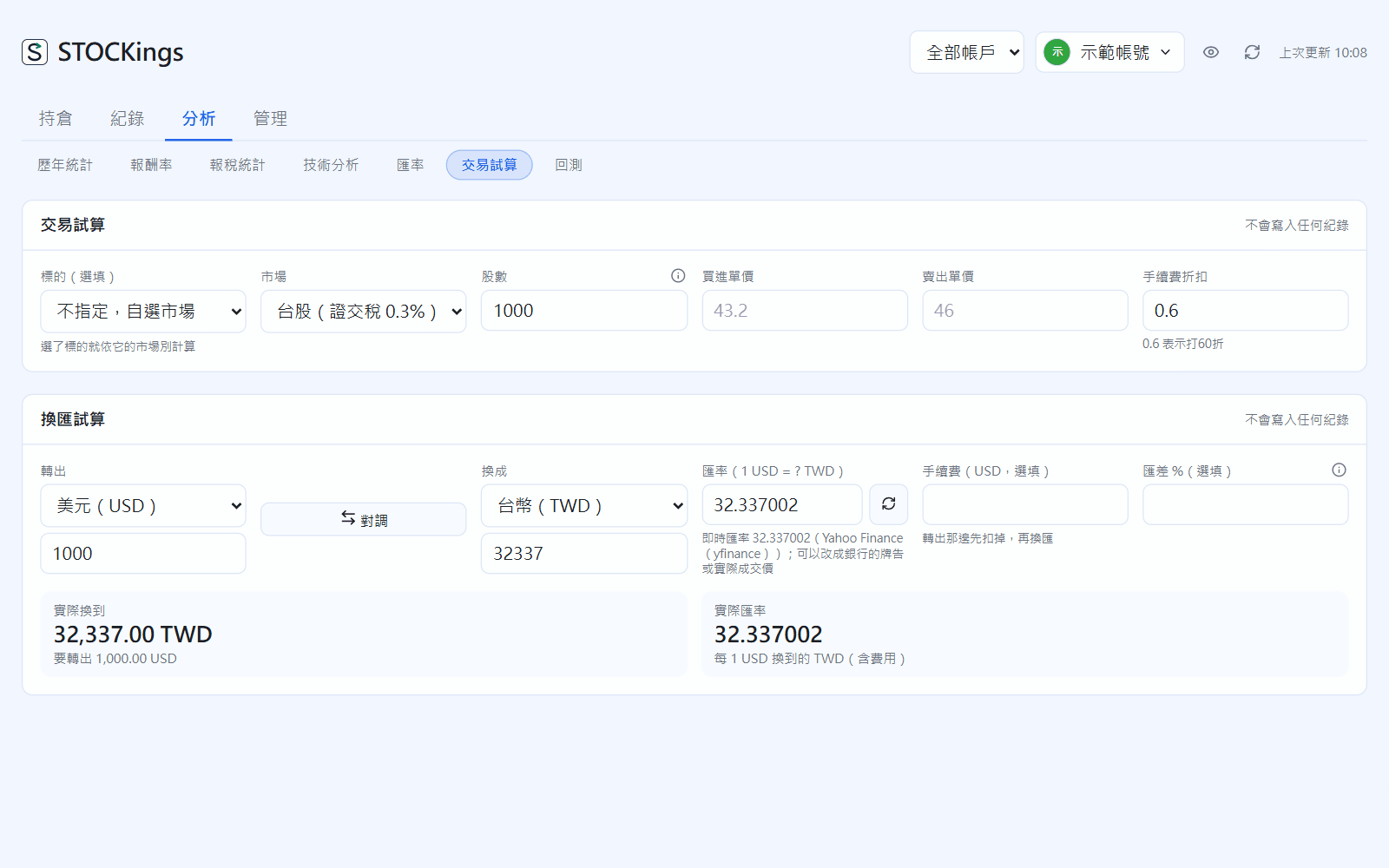
Neither one writes any records. The trade calculator takes shares, buy price and sell price, and works out fees, transaction tax, break-even price and net P&L. The currency exchange calculator takes the from and to currencies; you can fill in either amount and add a fee and spread.
Market → Calculator
Backtest
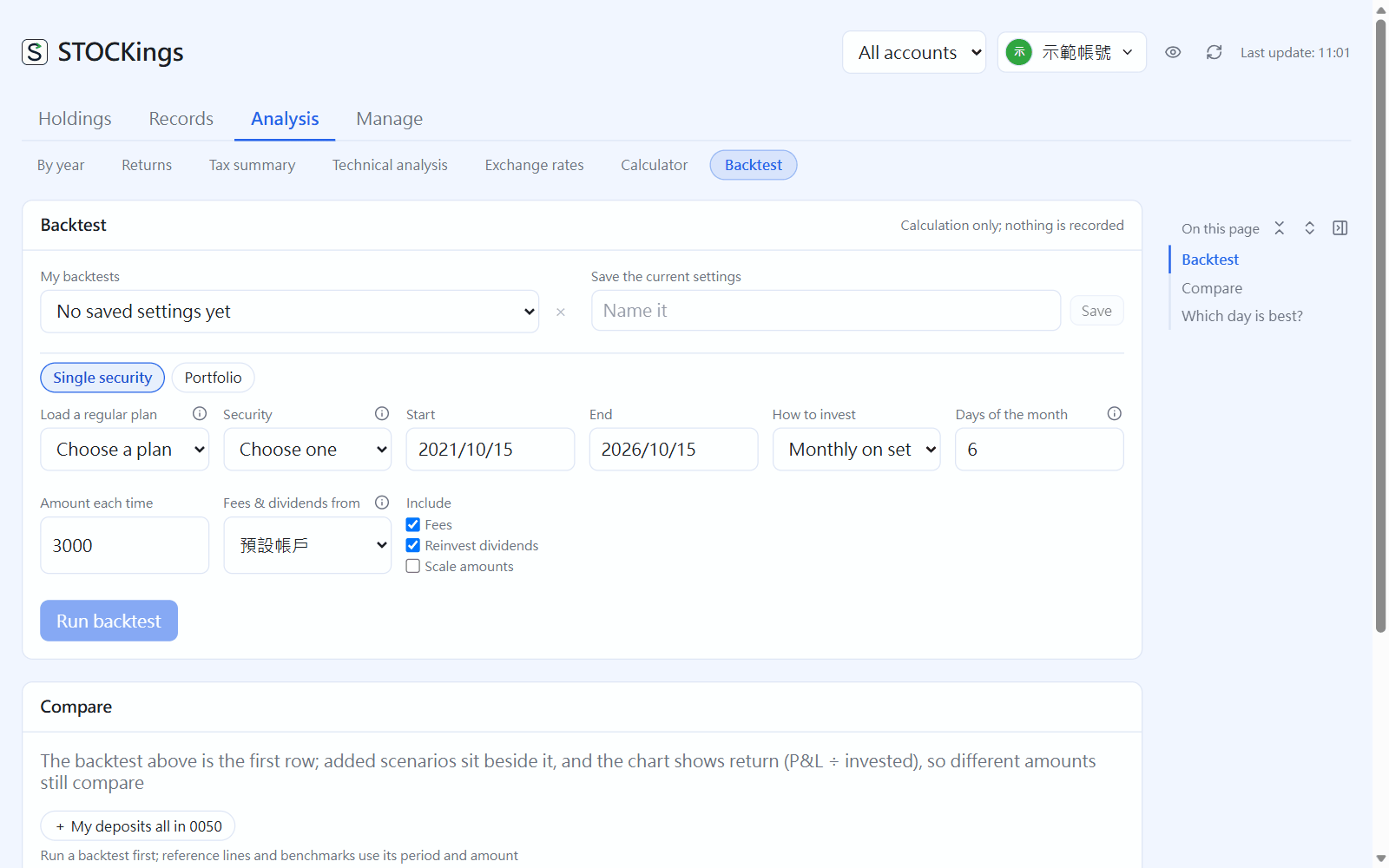
What would have happened if you had bought this way (calculated only, nothing written).
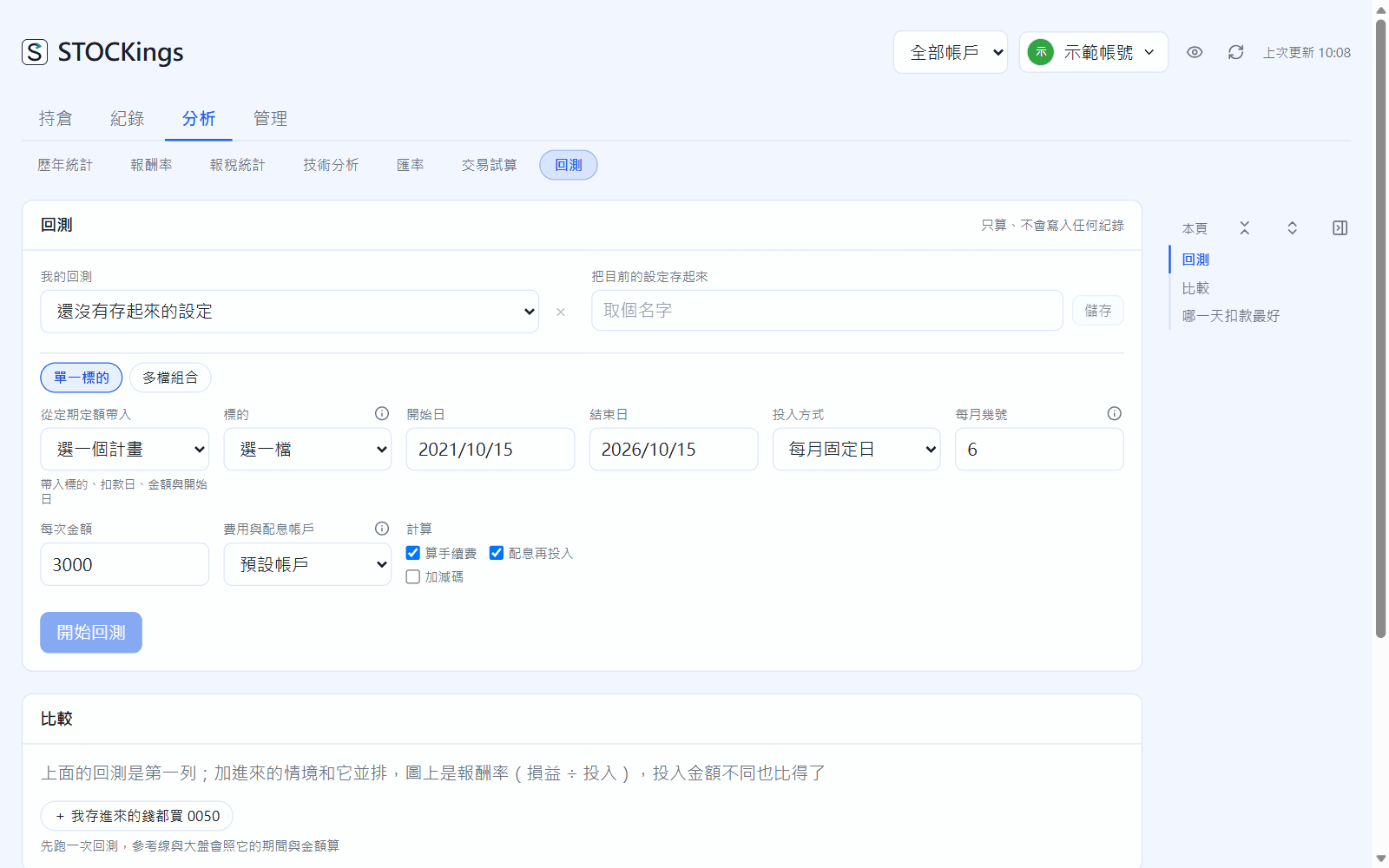
Pick the instrument, start date and end date (if you have a regular investment plan, use “Load a regular plan”).
Choose how to invest: monthly on set days, weekly, lump sum, trade on signals (moving average, KD, RSI, MACD)…, and fill in the amount each time.
Optionally tick fees, dividend reinvestment, and buying more or less. Click “Run backtest”.
Market → Backtest
Results show the ending value, total return, XIRR, maximum drawdown and annualized volatility. In “Compare” you can add reference lines for buying at each month's lowest / highest close, the market (0050, VOO, total return index) and “everything I deposited went into 0050”. “Which day is best?” runs once for each day of the month from 1 to 31. Switch to “Portfolio” to backtest weights and rebalancing for 2 to 5 instruments; settings can be saved under “My backtests”.
 STOCKings