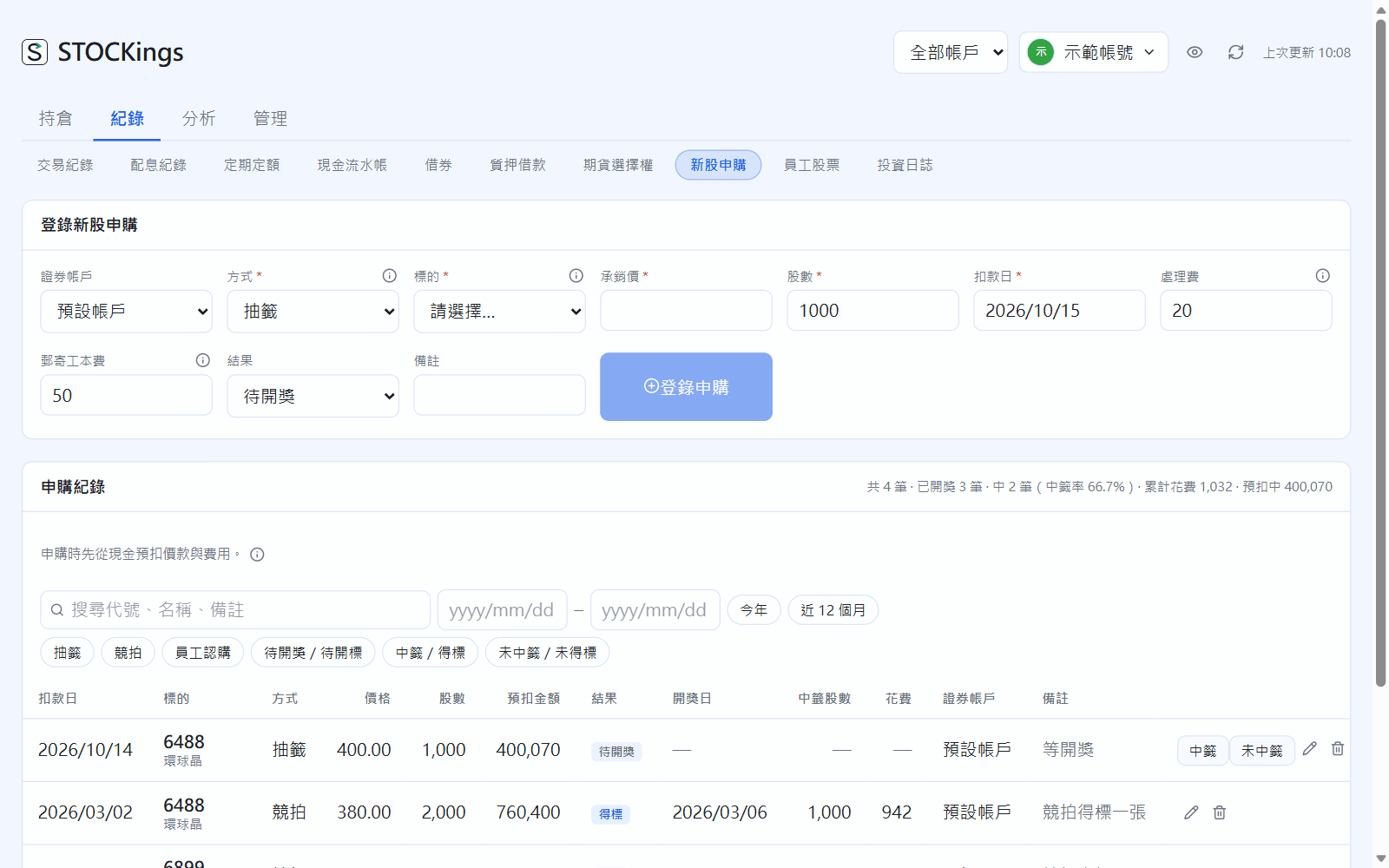
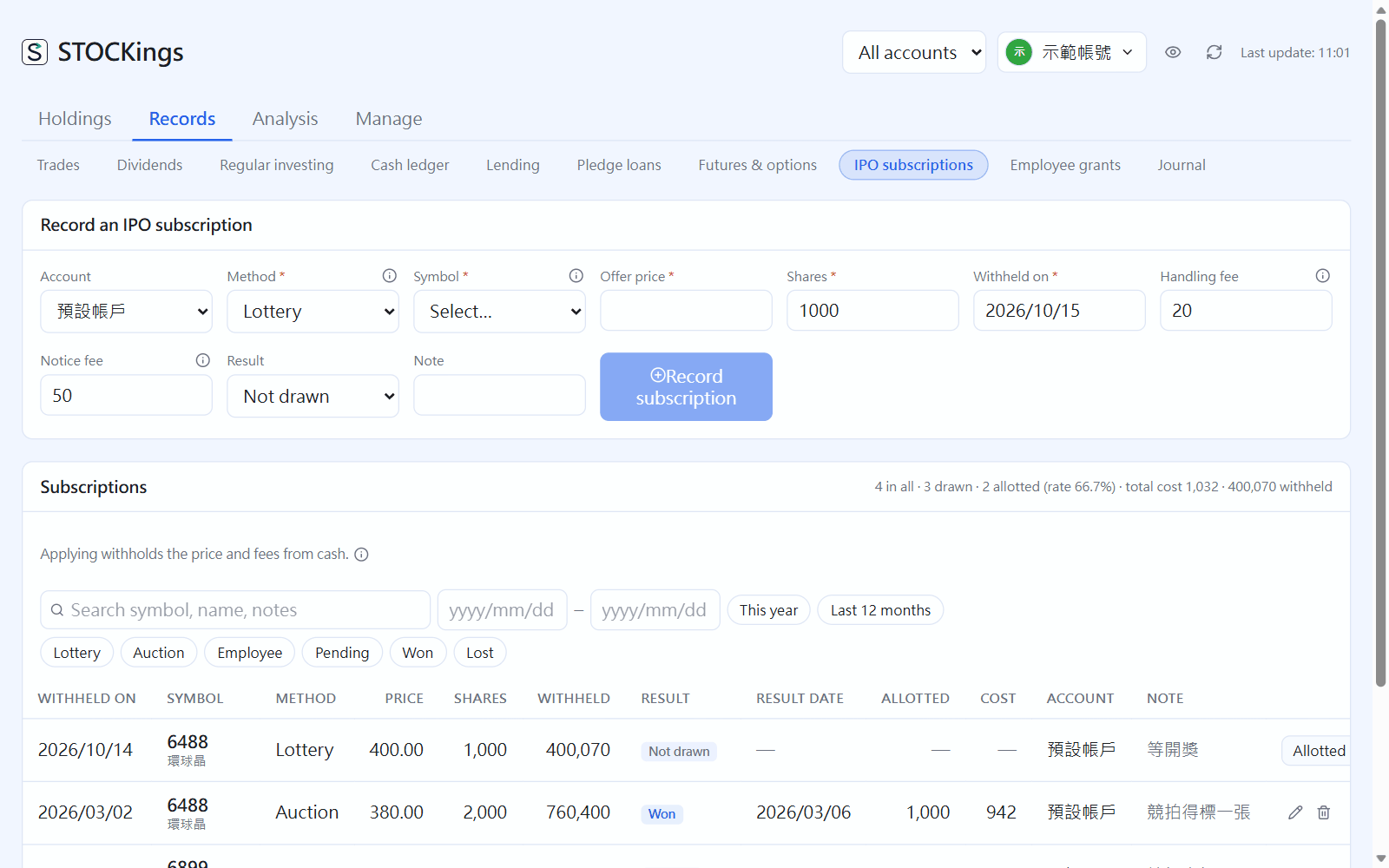
Add the new stock in Instruments first (Taiwan stocks only), then go to Records → IPO subscriptions.
Choose the method (Lottery, Auction, Employee), instrument, price (the offer price for a lottery, your bid for an auction), shares, debit date, handling fee and postage, then click “Record subscription”. The money and fees are held back from your cash.
After the draw, click “Allotted” or “Not allotted” on that row (Won / Lost for an auction) and enter the refund or allotment date. An allotment becomes a buy automatically, with the handling fee and postage added to cost; if you are not allotted, you only lose the handling fee.
IPO subscriptions; above the table: number of subscriptions, win rate and money currently held back
Employee subscriptions have no lottery or handling fee. Click “Delivered” on the day the shares arrive. If you enter the price on the sellable date, the difference is listed under other income in the tax summary.
 STOCKings