從交易寫筆記:交易紀錄每一筆最右邊的寫筆記(筆的圖示)打開一篇連到那筆交易的日誌,標的和日期都帶好了;寫過的圖示變成強調色。個股分析最下面列出這一檔的日誌;技術分析的 K 線在寫日誌的那天標一個點(第 18 章)。
Chapter 15
Investment journal
Write down why you bought or sold at the time, and come back to it later. Go to Records → Journal.
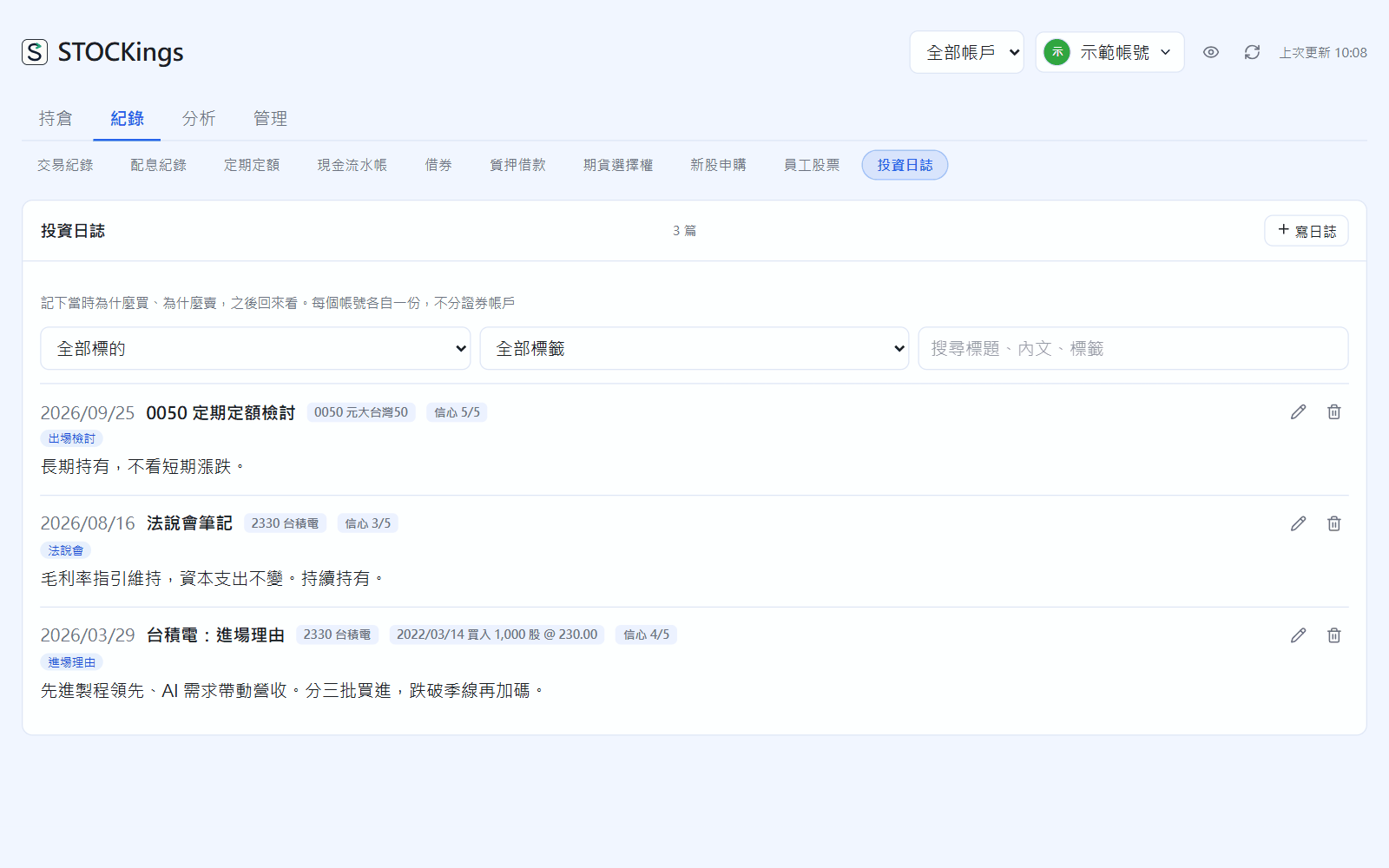
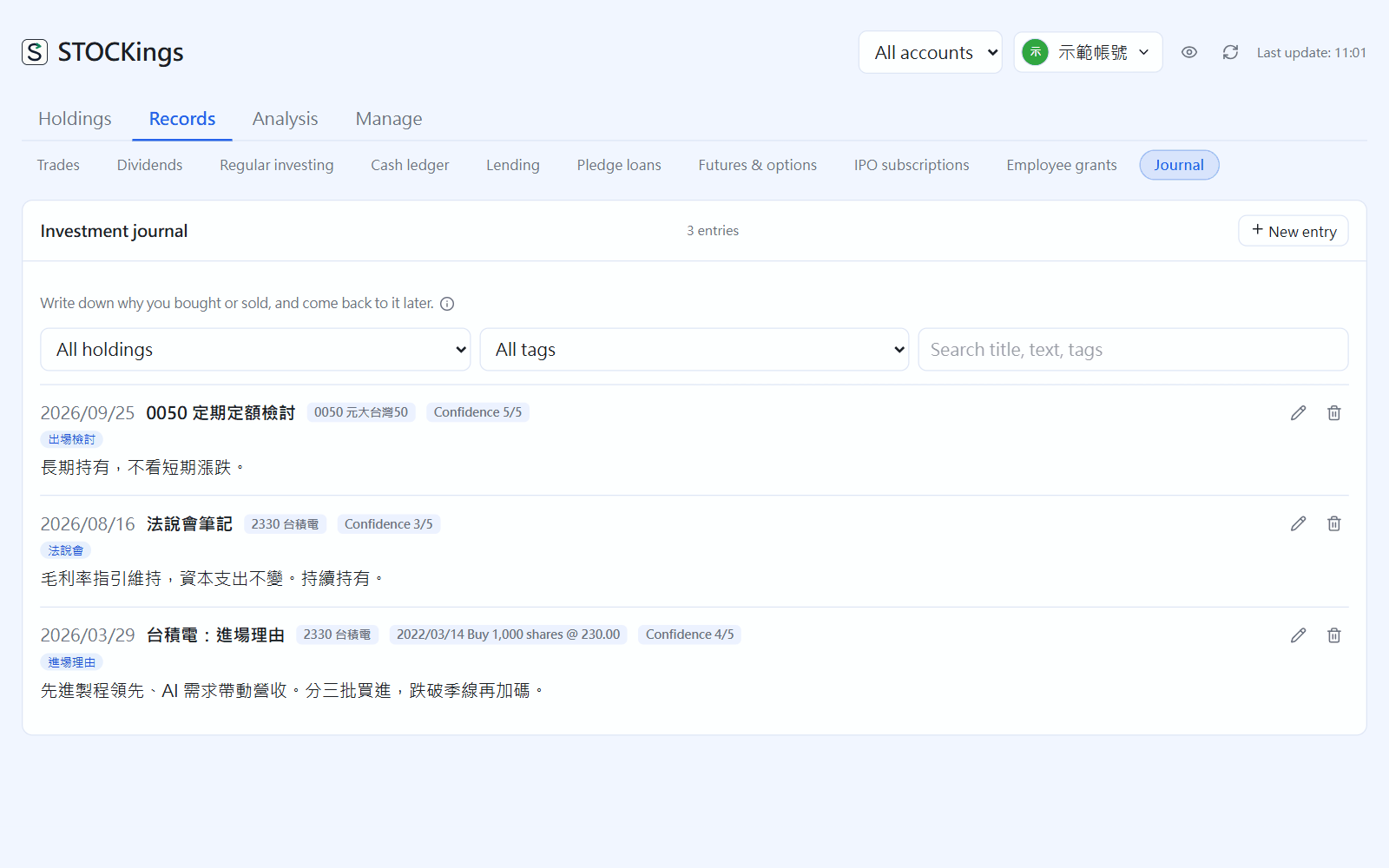
Investment journal: filter by instrument or tag, or search, at the top
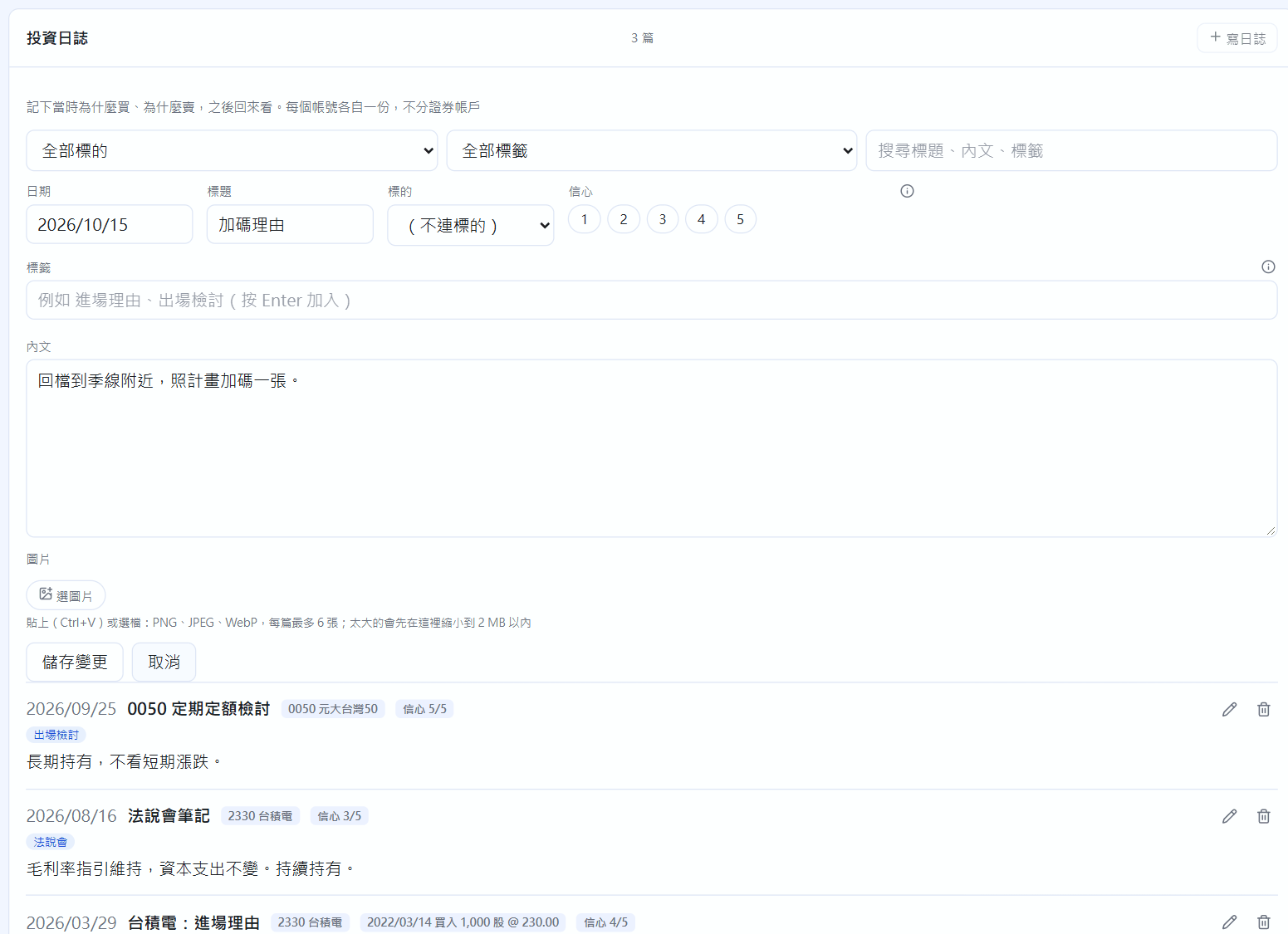
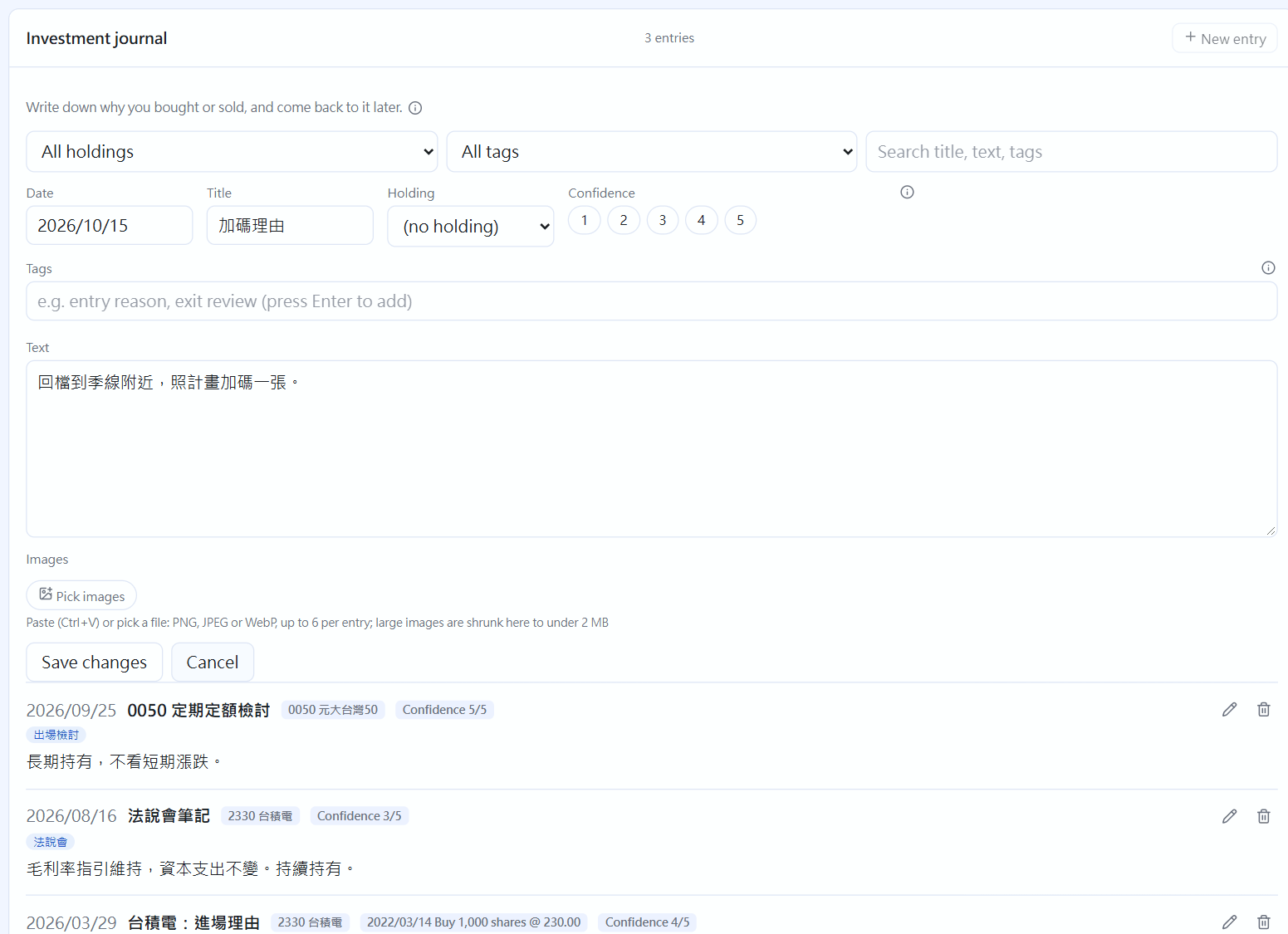
Click “New entry” and fill in the date (today by default), a title (optional) and the text. You can link it to an instrument.
Press Enter to add each tag (for example “entry reason”, “exit review”). Confidence is 1 to 5 and optional.
Images: paste (Ctrl+V, for example a candlestick chart you just captured) or click “Pick images”; up to 6 per entry. Save.
Writing an entry
A note from a trade: Write a note (the pen icon) at the right end of each row in Trades opens an entry linked to that trade, with instrument and date already filled in. Once written, the icon turns the accent colour. Stock detail lists this instrument's entries at the bottom, and the technical analysis chart puts a dot on each day you wrote an entry (chapter 18).
 STOCKings