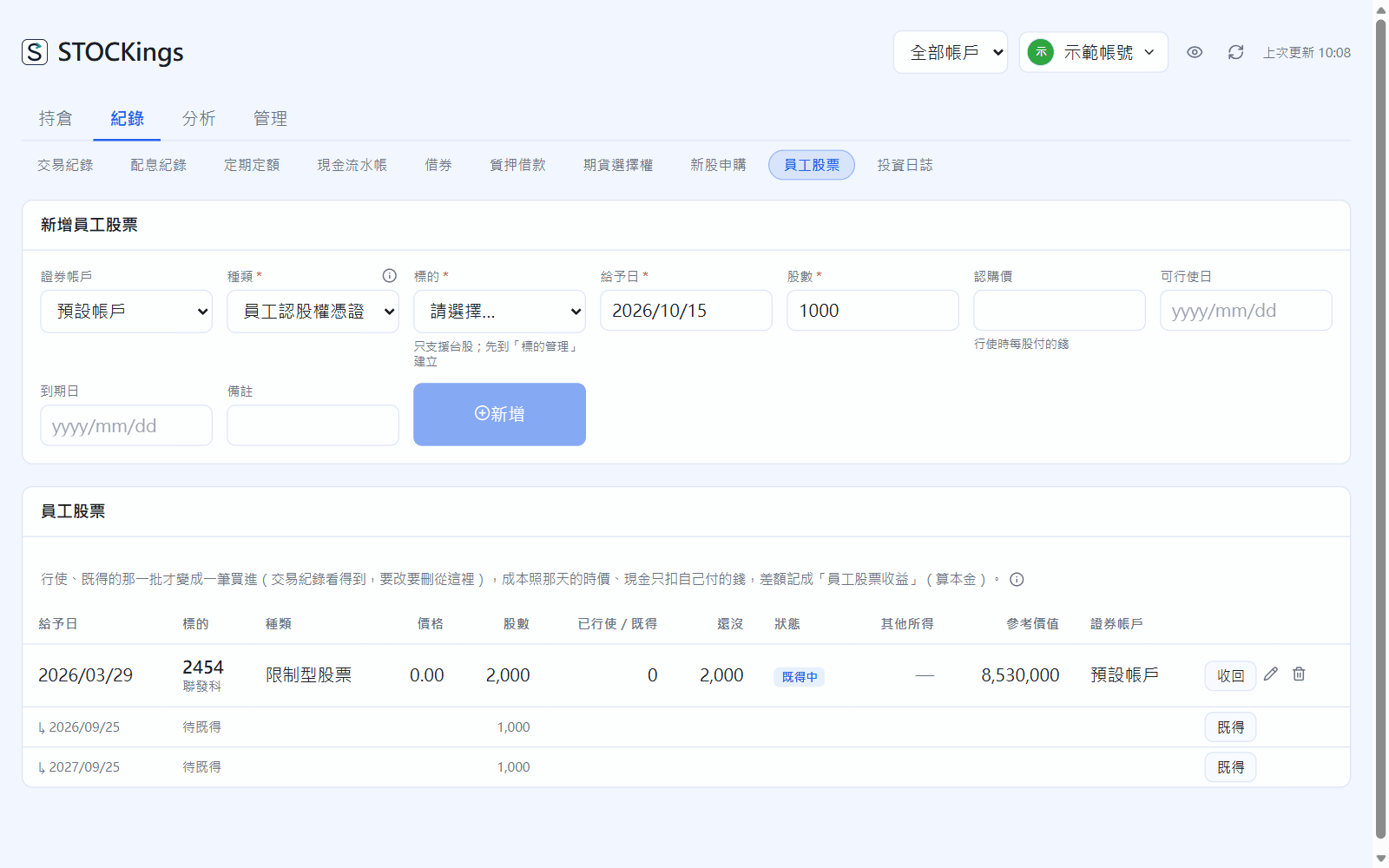
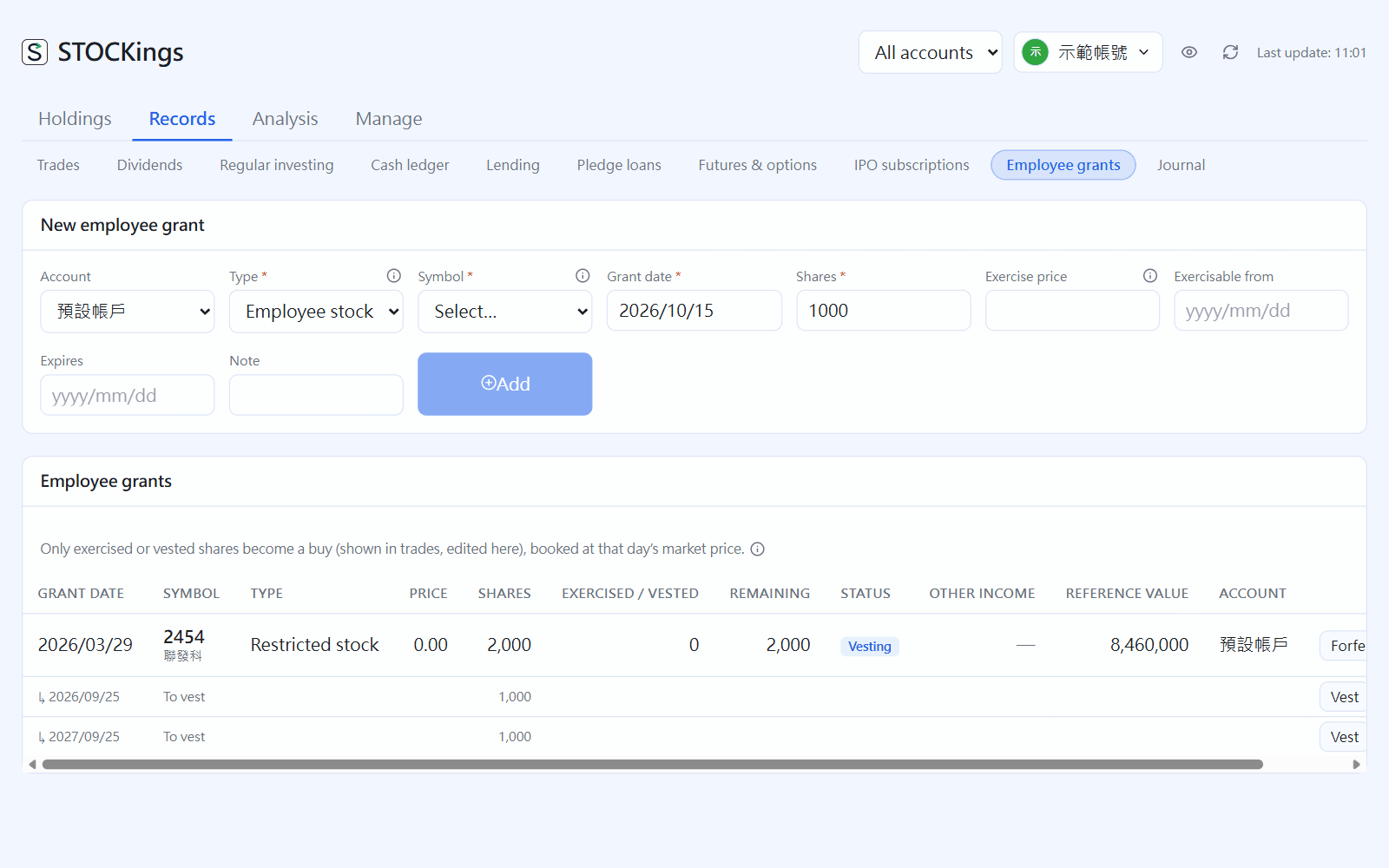
Employee stock options: when adding, enter shares, exercise price, the date it becomes exercisable and the expiry date. To exercise, click “Exercise” and enter the date, shares (you can exercise in parts) and that day's market price; it becomes a buy.
Restricted stock: enter total shares, the price you pay (often 0) and the vesting schedule (it can be split evenly). On each vesting date, click “Vest” and enter the market price; the shares are added to your holding. If you leave the company, click “Forfeit”.
Employee grants: each tranche's vesting date and status
Holding cost is the market price on the day you receive the shares, and the part above what you paid is recorded as “employee stock income”. For exercises and vesting, (market price - price paid) × shares is listed under other income in the tax summary. If your company has an approved tax deferral (緩課), tick “Defer the tax” when exercising or vesting, and later click “Deferral” to record the date and price when you transfer the shares.
 STOCKings