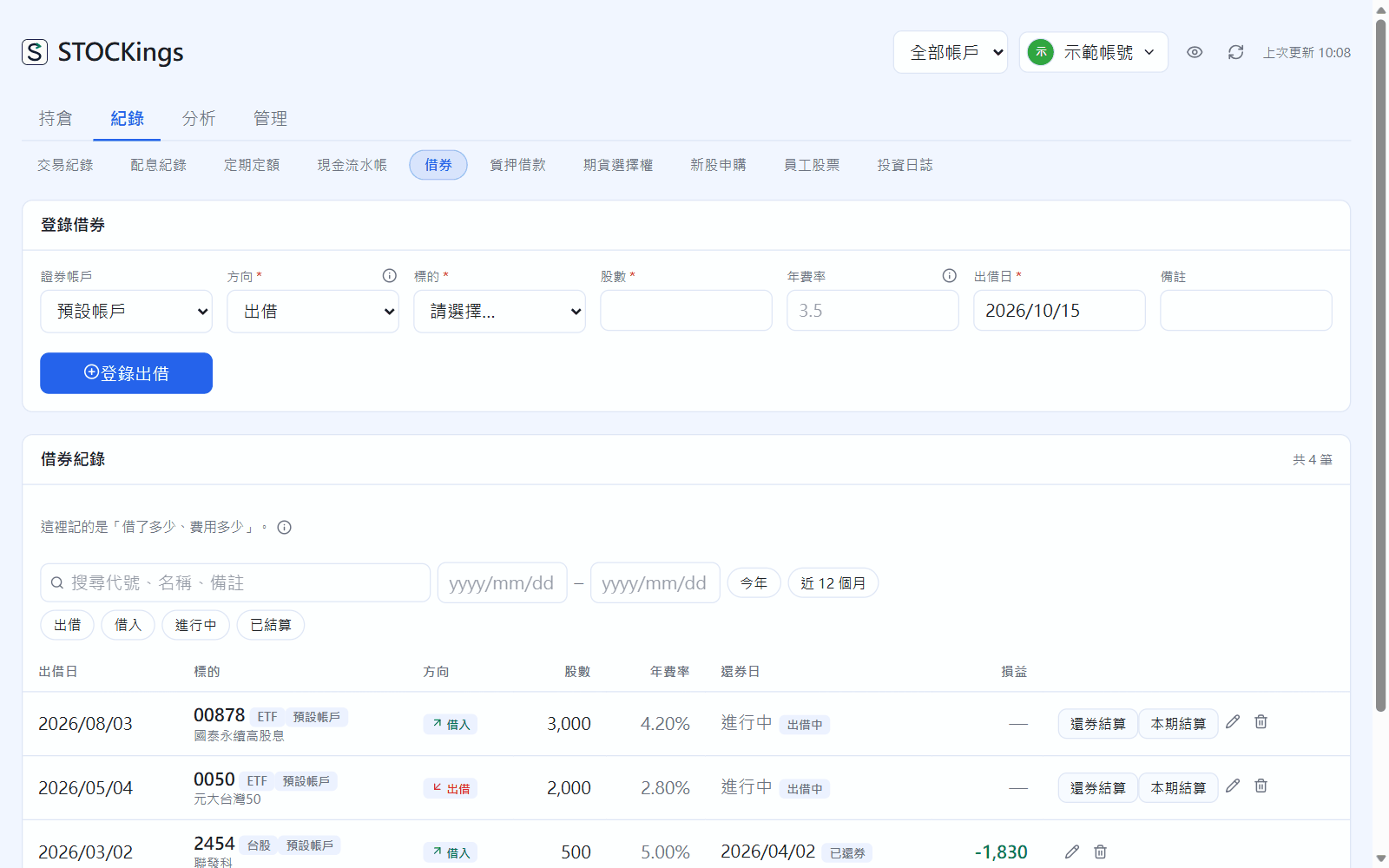
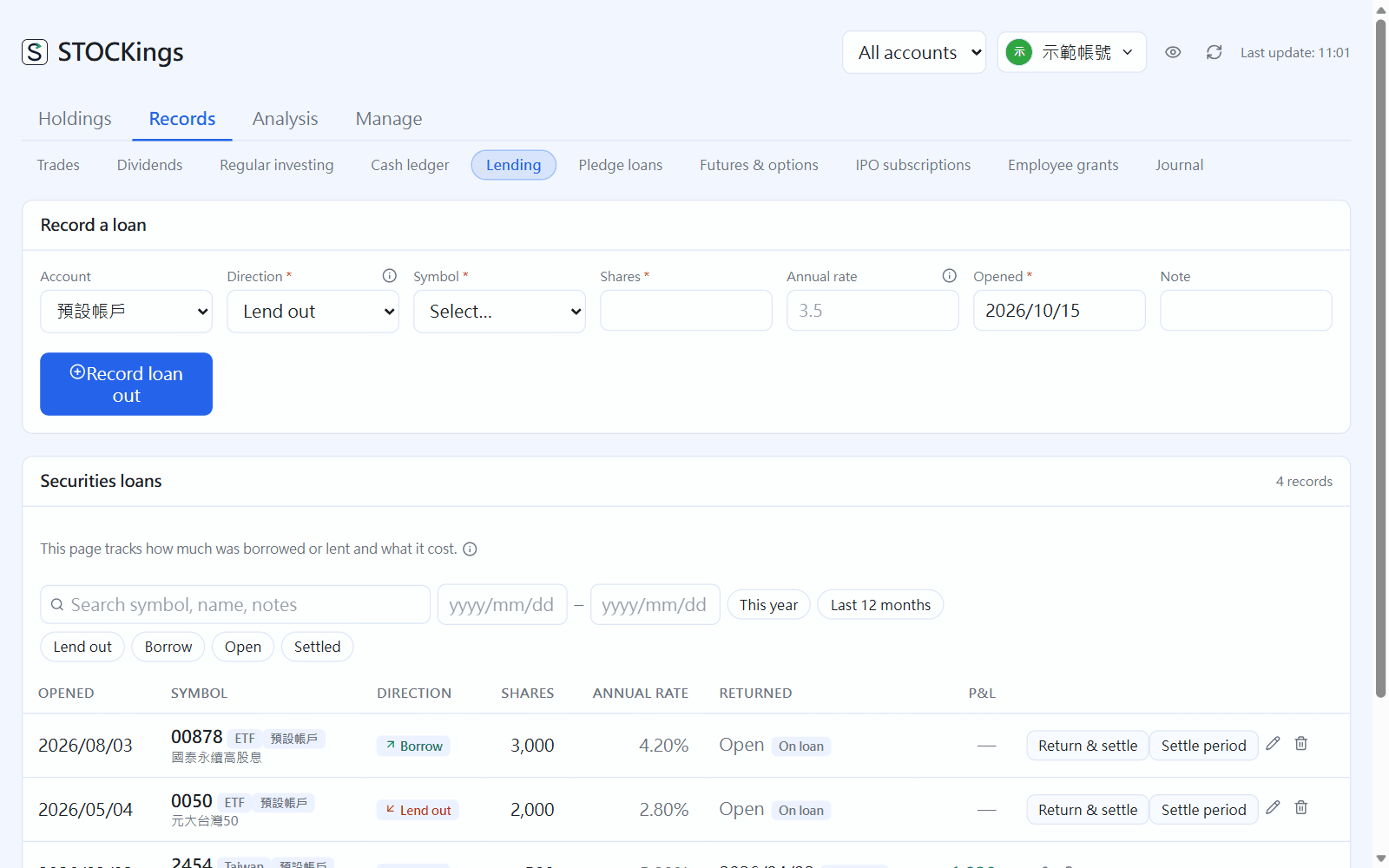
Lend out: set the direction to “Lend out”, pick the instrument, and fill in shares, annual rate and the date lent, then click “Record loan out”. The shares are still yours but can't be sold while lent out; Positions shows “N out”.
Return: click “Return & settle” on that row and fill in the fee before cuts, broker's cut and tax withheld from your broker statement. The net amount goes into the cash ledger on the paid date: leave it blank for the next business day after the return (returned 9/30, paid 10/01), or match your bank statement.
Settle a period before the shares come back: click “Settle period”. Fees are settled on that day, and a new loan for the same shares is started automatically (continued).
Borrow: set the direction to “Borrow” to record how many shares you borrowed from your broker and the fees. Record the actual short sale and cover in Trades (type “Borrowed short”).
Lending: entry form at the top, records below (open, settled, continued)
The rate is only a note; your statement's amounts are what count. If you delete one by mistake, an “Undo” appears at the top of the page (only for that one time).
 STOCKings